Start with three numbers
Before you pick a format, write down three things:
- How many teams. Plan for a range, say 8 to 12, and decide now what you do if more sign up.
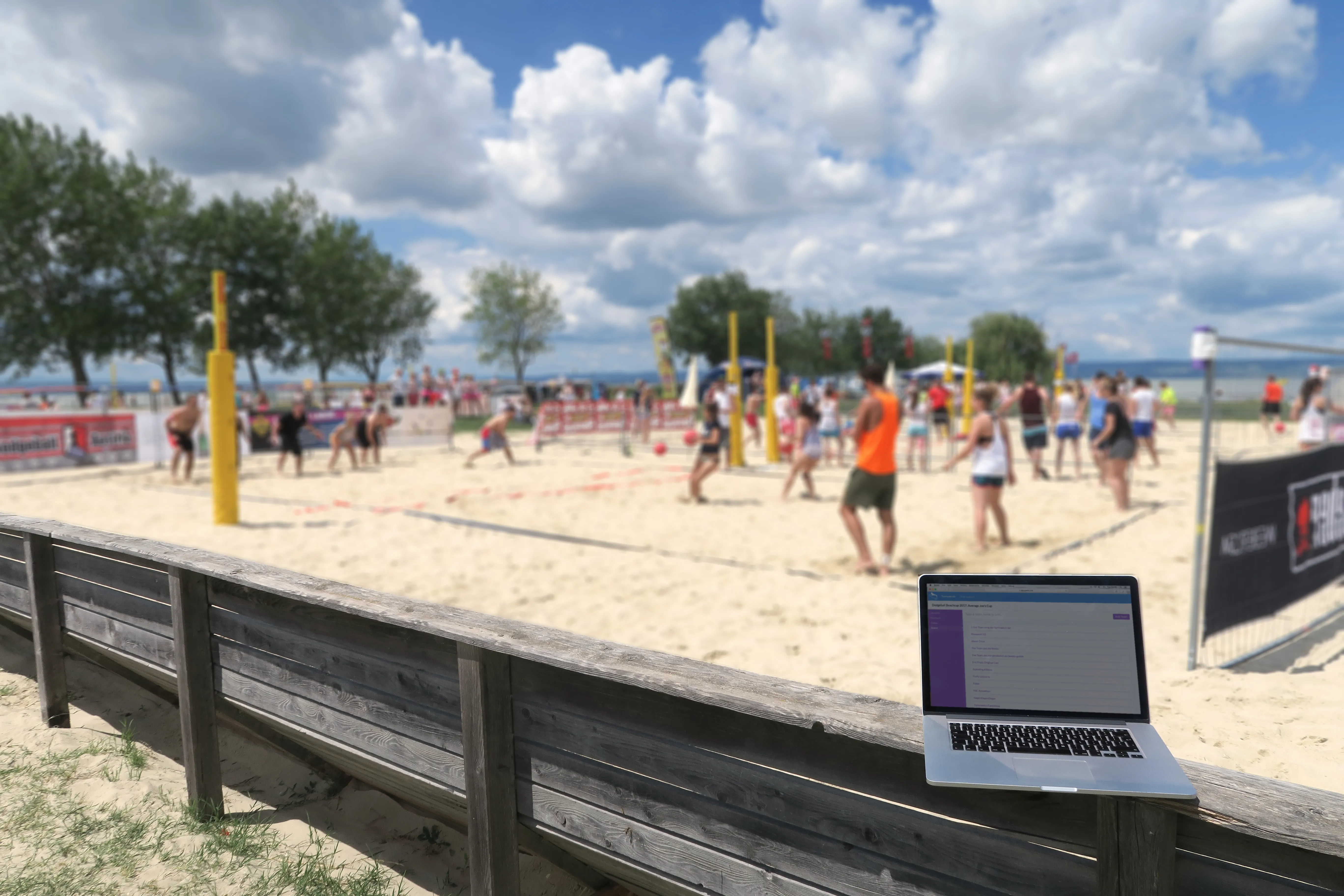
- How many courts. A court is anywhere you can mark the lines and keep the balls in. A basketball court works, and a big sports hall may fit two or more side by side.
- How many hours. The time you have the venue for, minus setting up, a warm-up and the prize-giving.
Everything else follows from these three. A format that doesn't fit your hours isn't a format, it's a late finish.
Pick a format
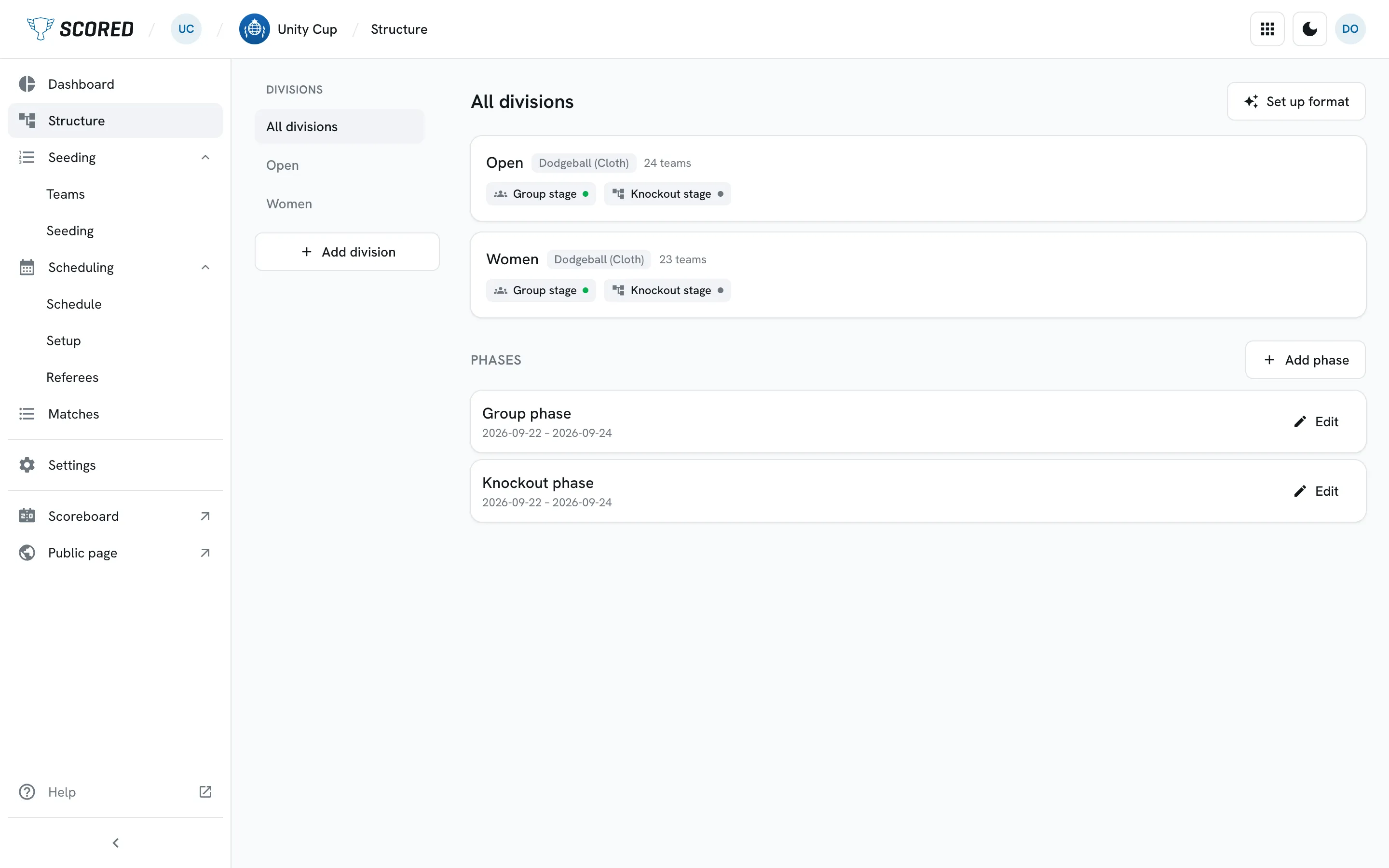
Most dodgeball tournaments use the same shape: groups first, then a knockout.
In a group, each team plays all the others in its group. That's called a round robin, and it means everyone gets several games, including the team that loses its first one. The best teams from each group then go into a knockout bracket: the loser of each game is out, and the winners play on to the final.
A knockout on its own is quicker, and harsh. In an 8-team knockout, half the teams go home after one game, which is a long way to travel for one game. Use it when time is short and the teams are local.
Count the games before you commit. Two sums cover it:
- A round robin group of n teams plays n × (n − 1) ÷ 2 games. A group of 4 plays 6 games, 3 for each team.
- A knockout of k teams plays k − 1 games, plus 1 if you play for third place.
With groups of four and the top two from each group going through:
| Teams | Groups | Knockout | Games |
|---|---|---|---|
| 8 | 2 groups of 412 games | Semifinals and final3 games | 15 |
| 16 | 4 groups of 424 games | Quarterfinals to final7 games | 31 |
| 32 | 8 groups of 448 games | Last 16 teams to final15 games | 63 |
Groups of four are a good default. Each team gets three games, and with two courts the group's six games take the time of three.
Then seed the teams. Seeding means ranking them before the draw, so the strongest don't all land in the same group and meet each other in the first hour.
Work out how long the day takes
Courts play at the same time, so count in rounds, not games: a round is one game on each court.
- Rounds for a stage: the games in that stage divided by your courts, rounded up.
- Time: the rounds, times the length of a game plus the changeover.
Here it is for 8 teams on 2 courts, with 20-minute games and 5 minutes to change over, so a 25-minute slot:
- Groups: 12 games on 2 courts is 6 rounds.
- Semifinals: 2 games, 1 round.
- Final and third place: 2 games, 1 round.
That's 8 rounds of 25 minutes, or 3 hours 20 minutes of play, before the warm-up, lunch and the prize-giving. How long a game lasts depends on your rulebook. Put in your own number and the rest of the sum still holds.
Watch the rest between games
Two groups on two courts gives you a neat rhythm. Group A plays a round on both courts, then group B, then group A again. Each team plays every other slot, so it has 30 minutes from the end of one game to the start of its next.
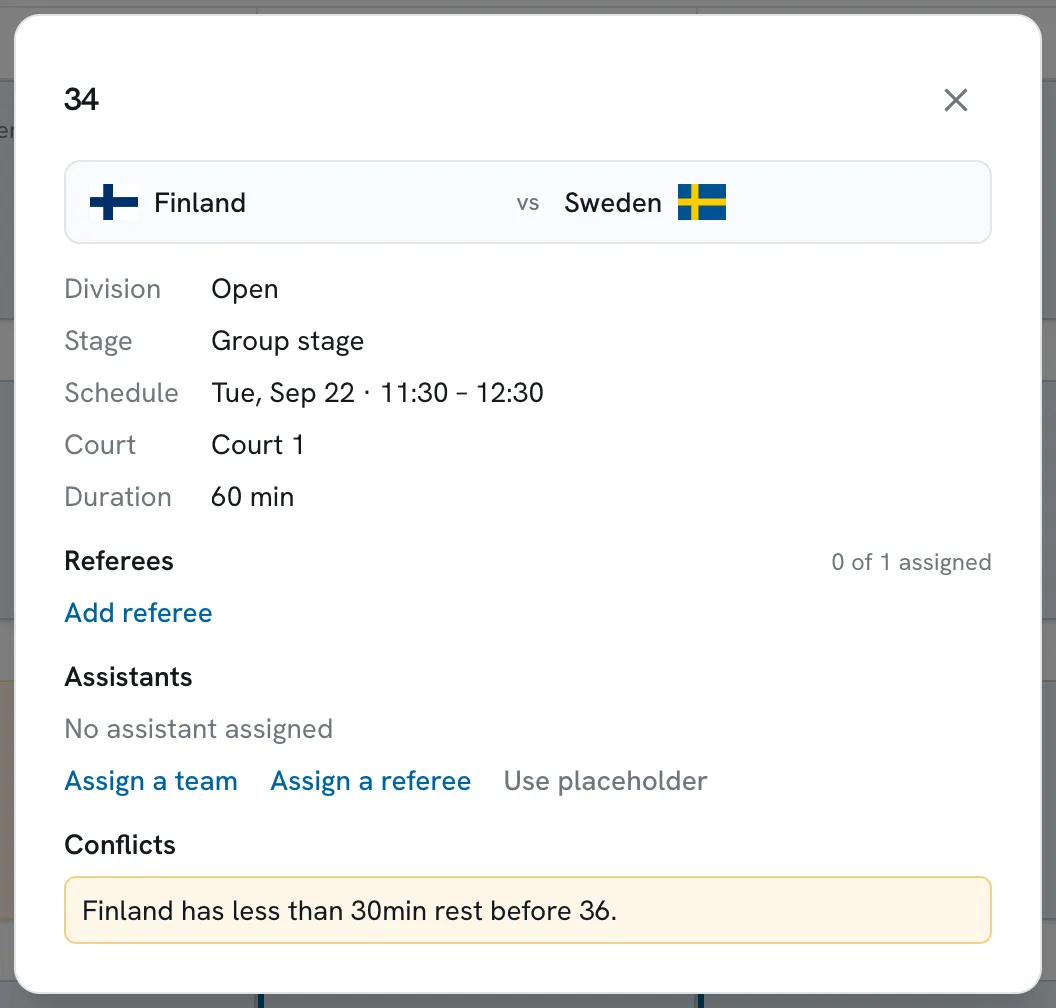
The rhythm breaks at the knockout. Group B plays the last group round, so its top two walk straight off court into a semifinal, with 5 minutes to recover instead of 30. Leave one slot empty before the semifinals, and group B gets its 30 minutes back.
The same thing happens after the semifinals: all four teams play again in the next slot, in the final or the game for third place. Leave a slot empty there too. The two empty slots add 50 minutes, so the example day runs 4 hours 10 minutes instead of 3 hours 20.
Build the schedule
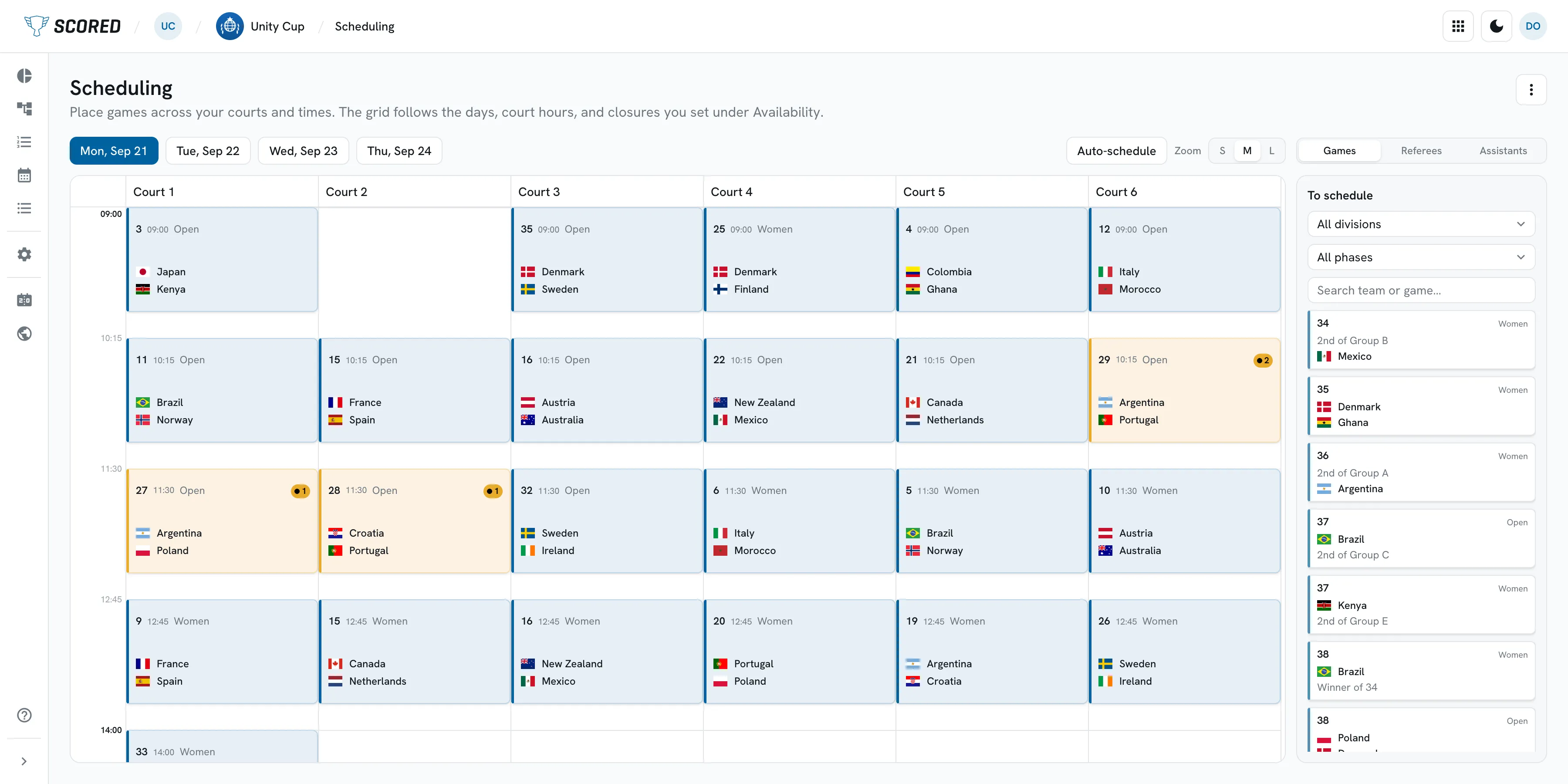
A schedule is your rounds with names on them: which game, which court, what time. Check three things for each slot:
- No team is on two courts at once.
- Each team gets a break between games.
- The people refereeing a game are not playing a game of their own at the same time.
Then print it, and put it where teams can check it from their phones too. More on that below.
Sort out the referees
Each court that's running needs its own referees, for each round. Count the refereeing slots the way you counted games: 2 courts for 8 rounds is 16 slots to fill, and your rulebook says how many officials each one takes.
There are two ways to fill them:
- Neutral referees. The best choice for finals and bigger events, if you have the people.
- Teams referee each other. At club events, a team that's sitting out a round referees a game in it. It keeps the day moving. Brief each team on the rules first.
Agree the rules before the day
Don't write your own rulebook. Pick one, your national federation's if there is one, and send it to each captain a week before. Then settle the few things a rulebook leaves to the organizer:
- Which balls: foam or cloth.
- How long a game lasts, and what happens if it's level at the end.
- How a group is decided: points for a win, a draw and a loss, and what separates two teams on the same points.
- How many players each team has on court, and how many it may bring.
Write your answers on one page. When a captain asks on the day, you can point at the page.
Tell teams where to look
The same questions come up all day: when do we play, on which court, and who's next. Give teams one place to look, instead of a group chat that scrolls away before lunch.
On the day
Get each result in as soon as the game ends. The next round depends on it: who plays whom in the knockout, and who referees.
The short version
- Write down your teams, courts and hours.
- Pick groups of four and a knockout, or a knockout alone if time is short.
- Count the games and the rounds, and check they fit your hours.
- Seed the teams so the strongest start in different groups.
- Build the schedule: no team on two courts at once, and a break between games, the knockout included.
- Put referees on each court for each round.
- Send one page of rules to each captain a week before.
- Give teams one place to find the schedule and the results.
- On the day, enter each result as soon as the game ends.
What Scored costs
Free for events up to 8 teams, with no card at signup. Above that, you pay once per tournament by the number of teams: Small is $49 for up to 32 teams, Medium $99 for up to 64, and Large $149 with no team limit. Prices exclude tax. See the plans, or read what Scored does for dodgeball events.